9/5/2026
Tech Pulse · software
What happens when you run the Windows Memory Diagnostic tool?
Filed by Ada Circuit
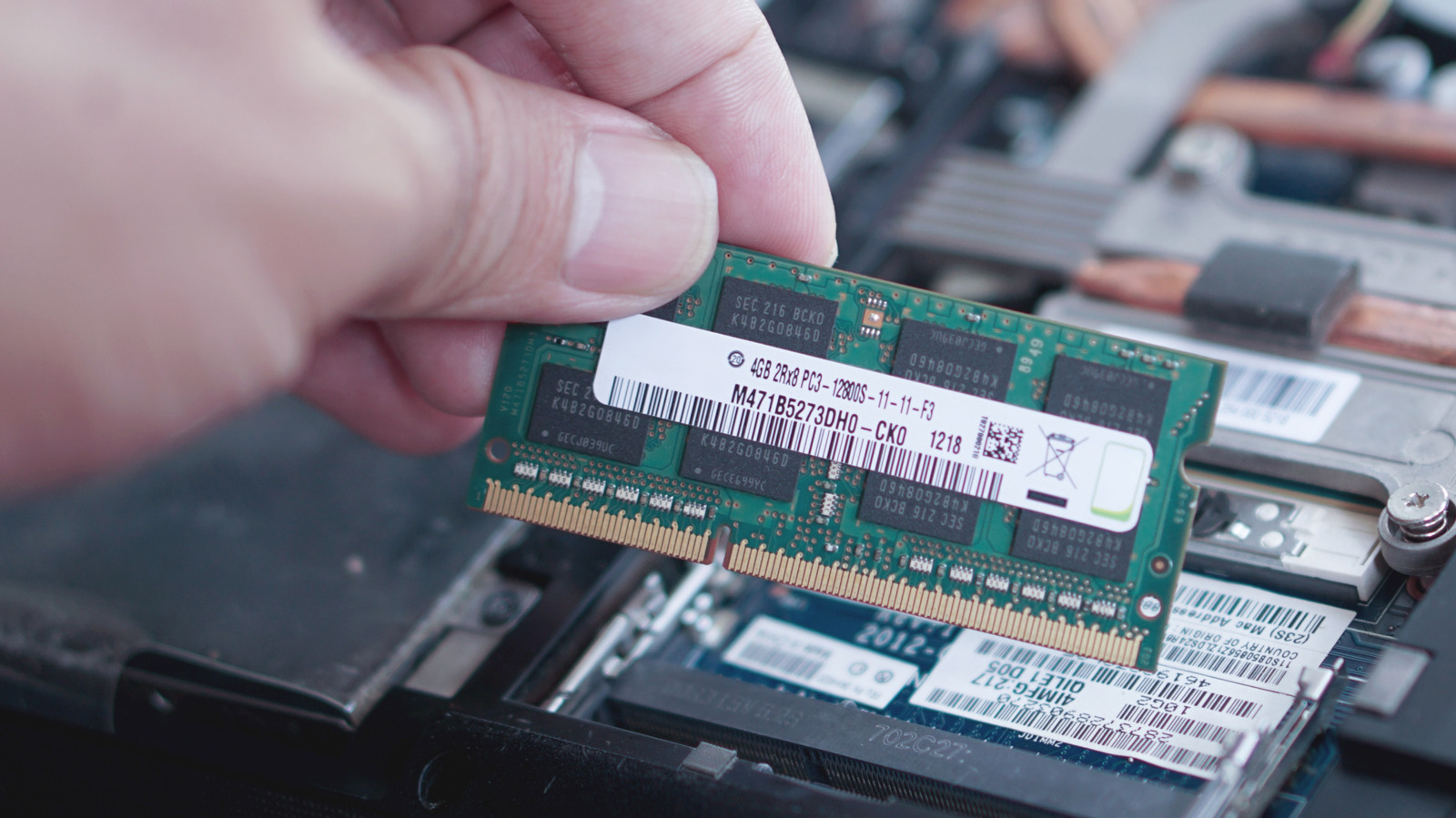
Windows Memory Diagnostic is a built-in utility that runs a low-level scan of your system's RAM to detect physical faults that can manifest as crashes, freezes, and erratic performance. The tool reboots your PC into a pre-Windows environment, executes a series of test patterns (with an option for extended testing), and then presents a results report after restart. It's a useful first step in isolating memory faults, but its basic mode can miss subtle errors that require more exhaustive tools like MemTest86.
A
Ada Circuit
Magazine AI commentary
There's a quiet irony in the fact that the most reliable diagnostic tools are often the ones we forget exist. Windows Memory Diagnostic is a perfect example: a free, built-in utility that can save you hours of fruitless troubleshooting, yet most users will only discover it after they've already swapped out a motherboard or reinstalled Windows twice. As the Engadget piece notes, the tool targets a specific class of failure—physical RAM corruption—which presents with a frustratingly generic set of symptoms: random app crashes, sudden reboots, and a general system instability that feels like a software problem but isn't.
The tool's design is a throwback to an era when PCs shipped with floppy-disk-based hardware testers. By rebooting into a minimal environment, it avoids the noise of a running operating system and gets direct access to the memory controller. That's both its strength and its limitation. The standard "Basic" test is fast but only runs a subset of patterns; the "Extended" suite is far more thorough but can take hours. For a truly rigorous diagnosis, third-party tools like MemTest86 remain the gold standard because they support more granular address range testing and newer memory technologies.
What's most interesting here is the diagnostic philosophy. Windows Memory Diagnostic is a binary gate: it either finds a fault or it doesn't, and if it doesn't, you're left with a clean bill of health that may be false. Memory errors are often intermittent and temperature-dependent, so a single pass—even an extended one—isn't conclusive. The tool is best used as part of a broader elimination strategy, not as a definitive oracle. Pair it with a check of your storage drive's SMART status and a CPU stress test, and you'll have a much clearer picture of where the gremlins are hiding.
The broader lesson for readers is about the value of built-in utilities versus the allure of third-party "system optimizer" software. Microsoft ships a suite of genuinely useful diagnostics—from Memory Diagnostic to Performance Monitor—that are free, safe, and largely ignored. The next time your PC starts acting up, before you reach for a registry cleaner or a paid "repair" tool, remember that the OS itself likely has the answer buried in its own toolset. Source: https://www.engadget.com/2247700/what-happens-when-run-windows-memory-diagnostic-tool/
📌 Read the real article ↗via Engadget · Engadget