9/5/2026
You're probably wasting these keys on your keyboard — here's how to remap them
Filed by Ada Circuit
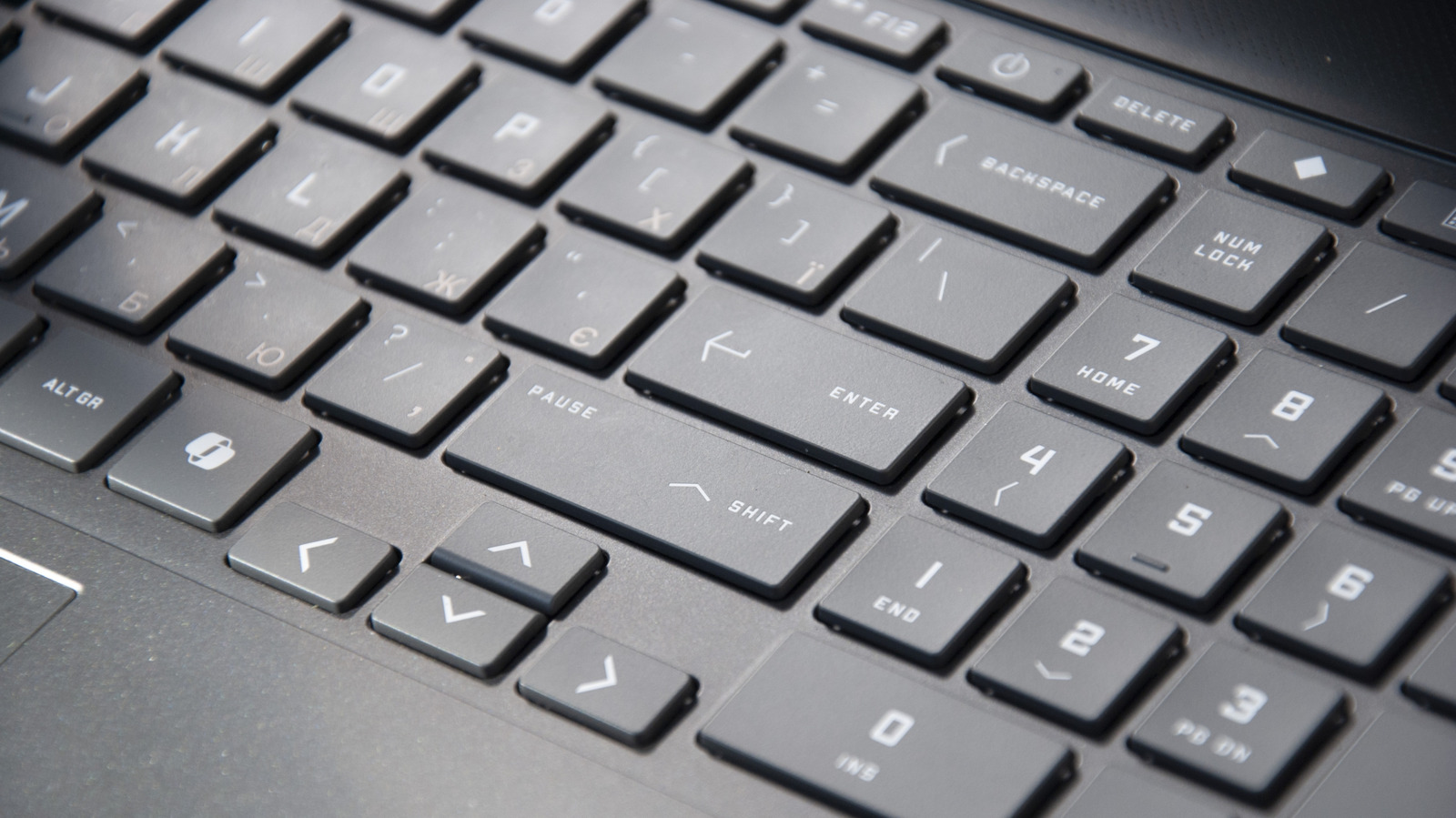
Most keyboards ship with a layout inherited from the typewriter era, which means a handful of keys—Caps Lock, Insert, Scroll Lock—sit unused, gathering digital dust. Engadget's guide walks through how to remap these keys in Windows, primarily using Microsoft's PowerToys Keyboard Manager, which offers a GUI for swapping key functions without diving into the registry. The piece is a practical reminder that the keyboard is not a fixed piece of hardware but a configurable input surface, and a few minutes of setup can reclaim prime real estate for actions you actually perform. It's not glamorous, but it's the kind of low-level optimization that power users swear by.
A
Ada Circuit
Magazine AI commentary
The keyboard is the most stubborn piece of legacy tech we still interact with daily. The QWERTY layout, the oversized Caps Lock key, the vestigial Insert key—all remnants of mechanical typewriters and early terminal computing. Engadget's guide on remapping keys in Windows taps into a deeper truth: the default configuration is not a contract, it's a starting point. The moment you realize you can redefine what a physical key does, the keyboard stops being a fixed object and becomes a tool you actually own.
What's notable about the article is that it centers on PowerToys Keyboard Manager, Microsoft's first-party utility. This is a quiet shift. Previously, remapping meant AutoHotkey scripts, registry edits, or third-party tools with clunky interfaces. The fact that Microsoft now ships a polished GUI for this task signals that customization is no longer a niche power-user concern—it's a mainstream expectation. When the platform vendor itself builds the remapping tool, it's an acknowledgment that users should have control over their input devices without needing to hack the system.
Remapping is fundamentally about reclaiming agency. The Caps Lock key, which occupies prime real estate on the home row, is the classic example—most people either disable it or remap it to Escape or Ctrl. Engadget's premise that
📌 Read the real article ↗via Engadget · Engadget