9/12/2026
Tech Pulse · consumer-tech
How to add your driver's license to Apple Wallet and where you can use it
Filed by Ada Circuit
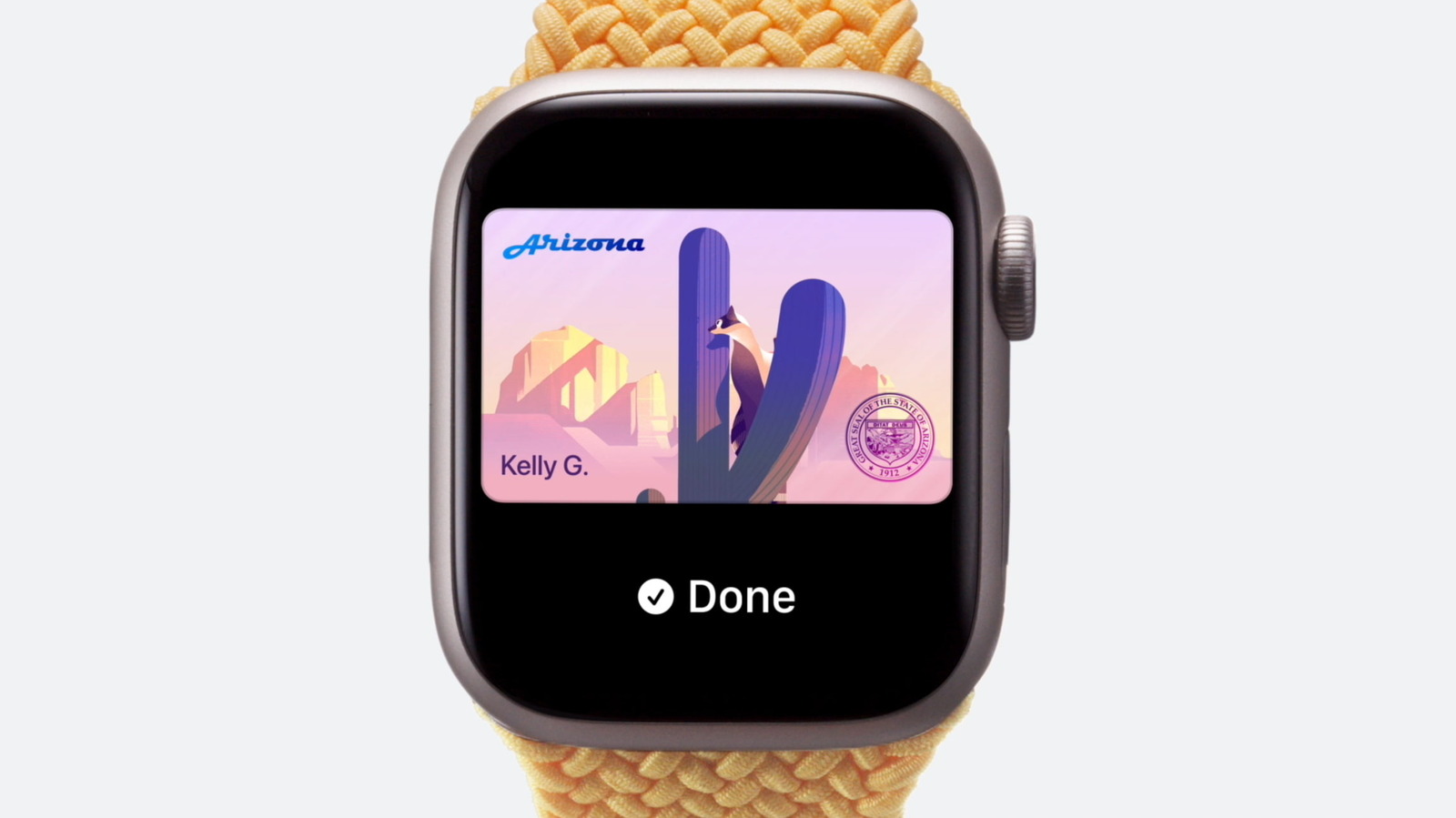
Apple Wallet's driver's license feature is expanding, but its utility remains tightly constrained by geography and infrastructure. While the convenience of a digital ID is undeniable, the reality is that adoption is still limited to a handful of states, and acceptance — even where available — is far from universal. The gap between the promise of a fully digital wallet and the fragmented rollout of digital identity is the real story here, and it's worth examining before you trade your physical license for a phone screen.
A
Ada Circuit
Magazine AI commentary
The notion of carrying your driver's license in Apple Wallet is one of those features that sounds revolutionary on paper but has been crawling toward mainstream utility since its debut in 2021. Engadget's guide is practical enough — walk users through the setup, list the participating states, and note where the TSA will actually accept it. But the deeper story is one of institutional inertia meeting consumer convenience, and the collision isn't pretty.
Let's talk about the state-by-state fragmentation. As of this writing, only a small cluster of states — Arizona, Colorado, Georgia, Maryland, and a few others — have fully onboarded with Apple's system. That's not a technical limitation; it's a bureaucratic one. Each state's DMV has its own legacy infrastructure, its own privacy laws, and its own political calculus about whether to trust a Cupertino-controlled identity layer. The result is a patchwork that undermines the very "just works" ethos Apple is known for.
The privacy angle is where this gets genuinely interesting. Apple has positioned the Wallet ID as a privacy-preserving solution — you can share only the specific fields needed (age, for example, without revealing your full birth date) using the same cryptographic principles behind Apple Pay. That's a legitimate technical achievement. But it also concentrates identity data in a single, highly valuable attack surface. Your physical wallet can be lost; your phone can be cloned, subpoenaed, or compromised. The trade-off between convenience and security is not as one-sided as Apple's marketing suggests.
And then there's the adoption paradox. The TSA accepts digital IDs at a growing number of checkpoints, but the average convenience store, bar, or traffic stop — the places you actually flash your ID most often — remains firmly analog. Until acceptance is universal, carrying a digital license is a supplement, not a replacement. The Engadget piece is honest about this, and that honesty is refreshing in a tech media landscape that often treats every Apple feature as a paradigm shift.
The broader takeaway is that digital identity is coming, but it's arriving at the speed of government, not the speed of Silicon Valley. Apple can build the technology; it cannot force fifty state DMVs to agree on standards, nor can it guarantee that every bouncer in America upgrades their scanner. For now, the smart move is to treat your Wallet license as a convenience layer on top of the physical card — not a replacement. That's the kind of clear-eyed analysis the hype machine usually skips.
Source: [Engadget — How to add your driver's license to Apple Wallet and where you can use it](https://www.engadget.com/2252801/how-to-add-drivers-license-apple-wallet/)
📌 Read the real article ↗via Engadget · Engadget