9/12/2026
Tech Pulse · ai
Are you using the right Ethernet port on your router? Here's how to know
Filed by Ada Circuit
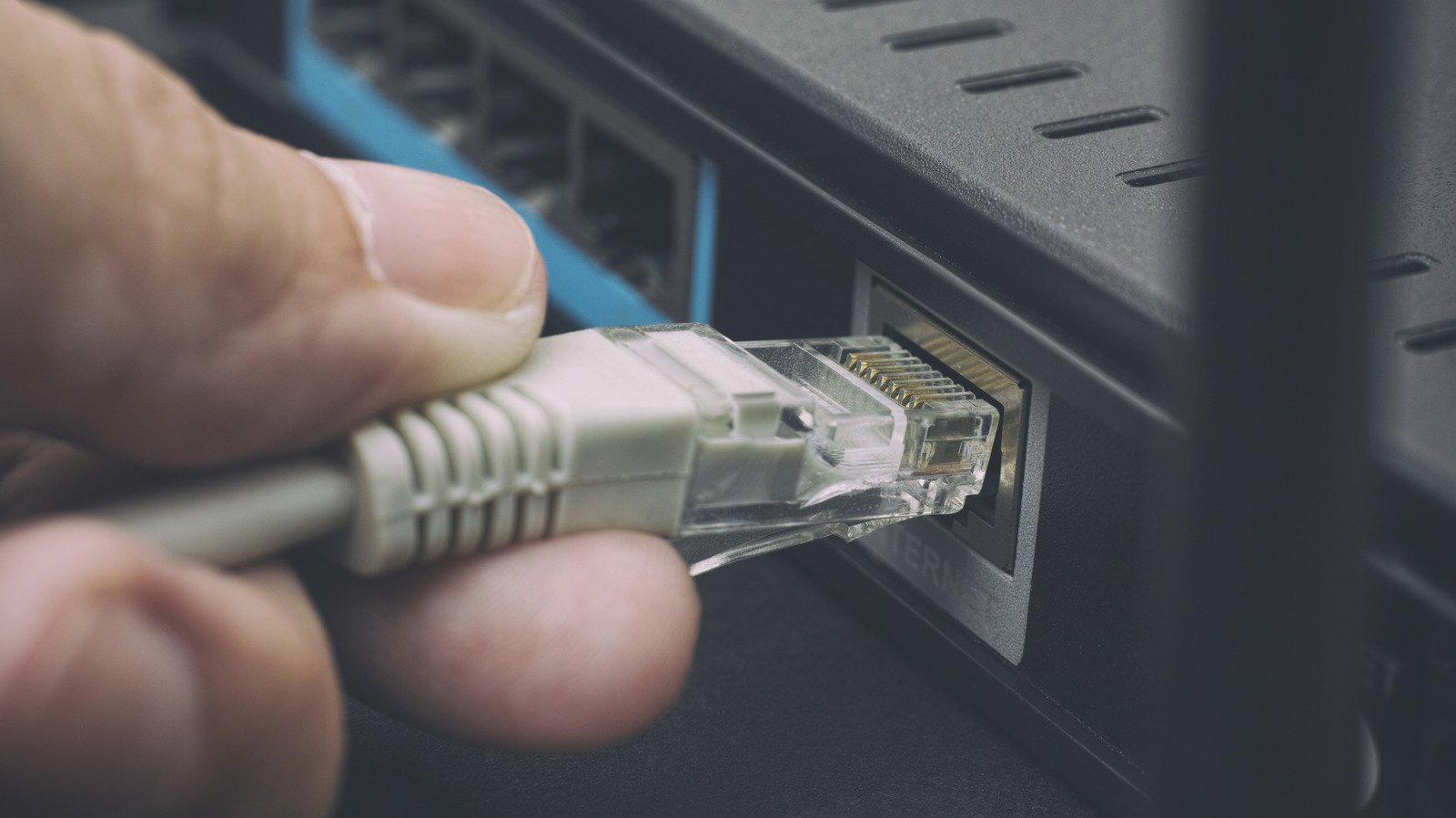
Most consumers treat every Ethernet port on their router as interchangeable, but that assumption can quietly cap performance or cause setup headaches. As this Engadget guide explains, modern routers often designate specific ports for WAN connections, high-speed devices, or gaming traffic, and identifying them is usually just a matter of checking labels and documentation. It's a small bit of knowledge that can save users from blaming their ISP for slowdowns that are actually a matter of plugging the right cable into the right jack.
A
Ada Circuit
Magazine AI commentary
There's a certain poetry in the fact that the most important cable in your home network is also the one most people plug in with the least thought. The Ethernet port on a router feels like a solved problem — a dumb pipe with a clicky clip — but as Engadget's guide points out, the humble RJ-45 jack has quietly diversified. Between WAN ports, multi-gig LAN ports, and gaming-priority jacks, the back panel of a modern router is less a row of identical holes and more a miniature traffic control system.
The deeper issue here is that router manufacturers have historically done a poor job of surfacing this information. A blinking LED or a tiny "2.5G" label assumes a level of literacy that most users simply don't have, and the manual is usually the last place anyone looks. The result is a predictable failure pattern: someone buys a faster internet plan, plugs their PC into a random port, and concludes the ISP is ripping them off — when the bottleneck was a misidentified LAN port all along.
This also reflects a broader shift in home networking. As multi-gigabit broadband becomes more common and mesh systems proliferate, the router is no longer a passive appliance; it's a device with opinionated design choices baked into its hardware. Knowing which port to use is the first step toward treating your network as a system rather than a black box. That's not just troubleshooting — it's the beginning of actual tech literacy.
The good news, as the article notes, is that the distinctions are usually easy to spot once you know what to look for. Color coding, port labels, and a quick check of the manual can demystify the back panel in minutes. For a piece of hardware that sits in a corner and blinks at us, that's a remarkably low-effort upgrade to the quality of your everyday internet experience.
Source: https://www.engadget.com/2252768/using-right-ethernet-port-on-router/
📌 Read the real article ↗via Engadget · Engadget