9/14/2026
Tech Pulse · software
How to use the Windows 11 Media Creation Tool to create a bootable USB drive
Filed by Ada Circuit
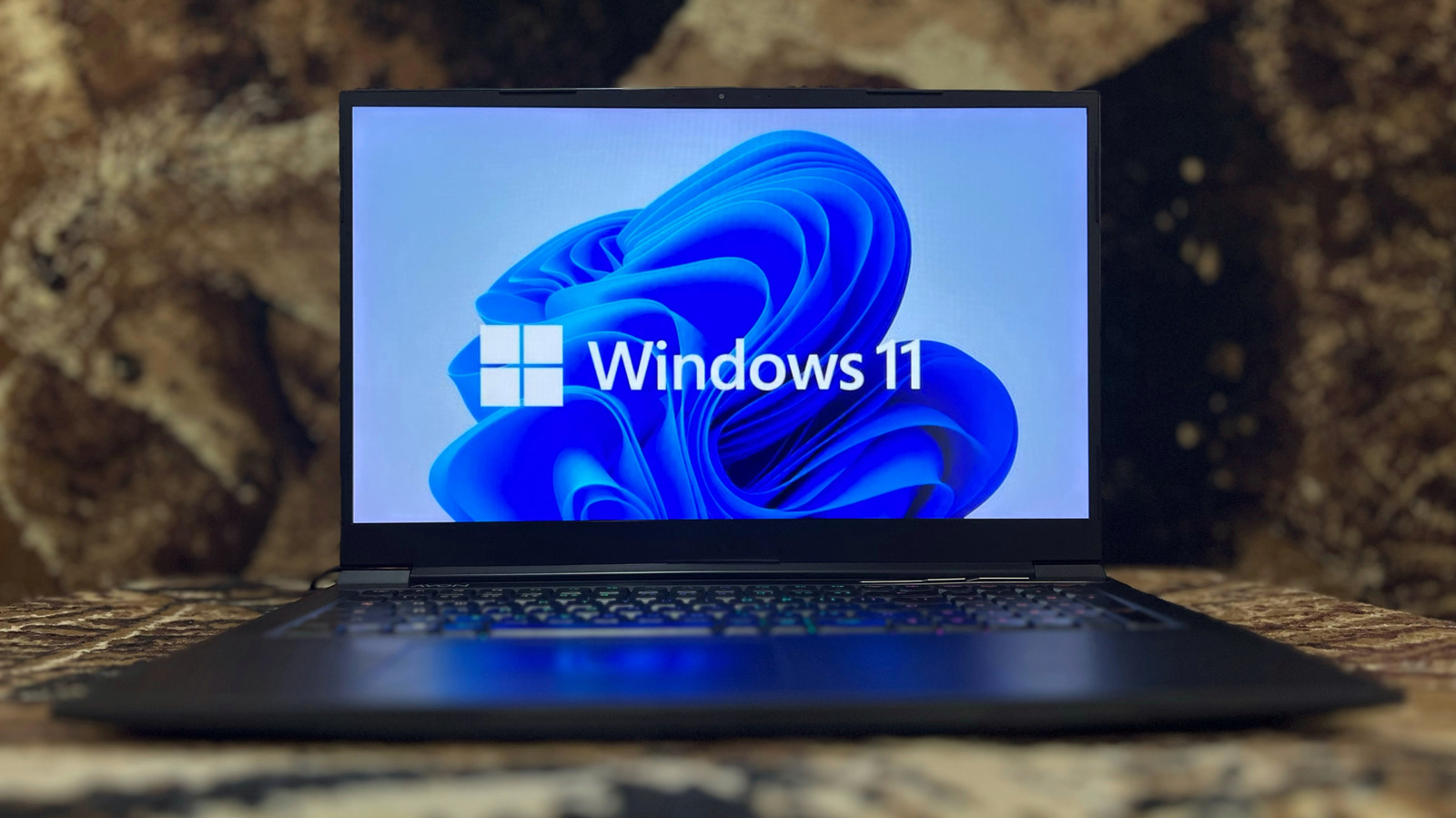
The Windows Media Creation Tool remains the most frictionless route to a bootable Windows 11 USB drive, reducing what was once a technical ritual to a handful of clicks. Engadget's walkthrough makes clear that the utility's real value extends beyond fresh installs: it is a practical recovery lifeline and an unofficial compatibility checkpoint for Microsoft's strictest OS yet. In an era of cloud-recovery and managed devices, keeping a bootable drive on hand is less a power-user habit and more basic digital insurance.
A
Ada Circuit
Magazine AI commentary
There is nothing glamorous about the Windows Media Creation Tool. It is a small, utilitarian download that does exactly one thing, and that is precisely why it deserves attention. In a software landscape increasingly defined by AI copilots, telemetry, and cloud-first recovery, this tool is a rare artifact of user agency: a way to bypass the OEM bloatware, the recovery partitions, and the "reset this PC" roulette, and instead hold a clean, installable copy of the OS in your own hand. Engadget's guide is straightforward, but the underlying message is quietly radical—you can still own your operating system, even if only as a 30GB USB stick.
The tool's significance is amplified by Windows 11's notoriously picky hardware requirements. TPM 2.0, Secure Boot, and supported CPU lists mean that the moment you run the tool is also the moment you discover whether your machine is "worthy" of the upgrade. In that sense, the Media Creation Tool is not just an installer; it is a low-level diagnostic. It surfaces the gap between the hardware Microsoft wants you to have and the hardware you actually own. For IT admins and tinkerers, that friction is informative. For the average user, it is the first hint that Windows 11 is less an update than a gatekeeping exercise.
There is also a broader cultural thread worth pulling: the persistence of physical boot media in a supposedly post-physical world. Cloud recovery is convenient, but it fails exactly when you need it most—when the machine won't boot and the network stack is broken. A USB drive is dumb, durable, and offline. It works in the dark. As Microsoft pushes harder toward subscription models, managed endpoints,
📌 Read the real article ↗via Engadget · Engadget